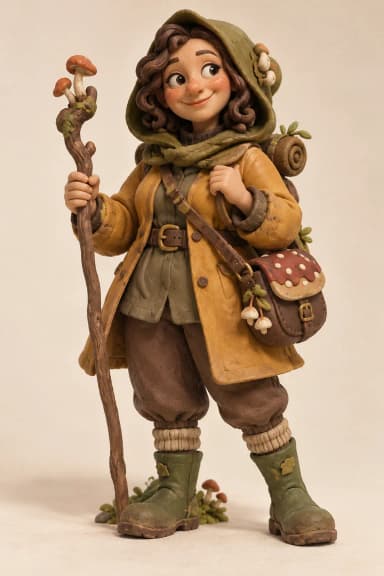
Create from a description
Describe the character’s appearance, personality, clothing, mood, composition, and visual style. A few thoughtful details give the OC maker a clearer creative direction.
Describe your character’s appearance, personality, outfit, and world. Turn your idea or reference image into an original character you can refine, download, and keep private.
Use the OC maker to explore anime, realistic, 3D, pixel art, and more. Choose a style, then make the character unmistakably yours.
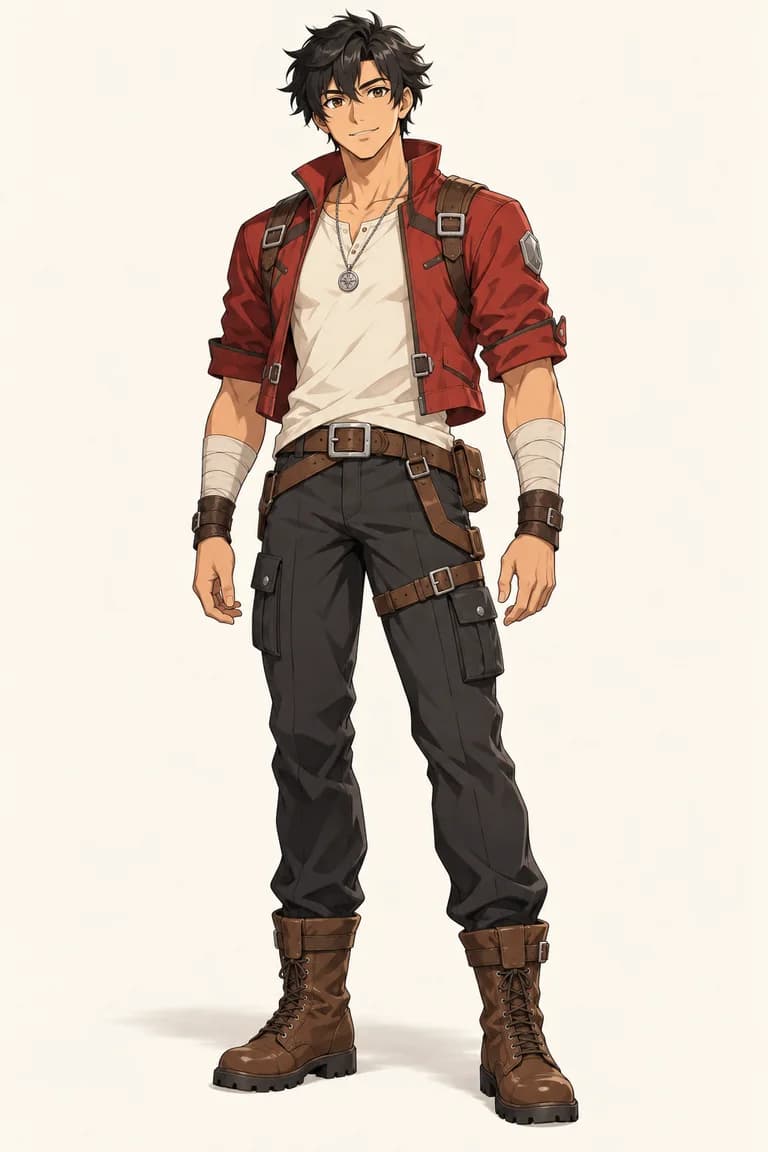
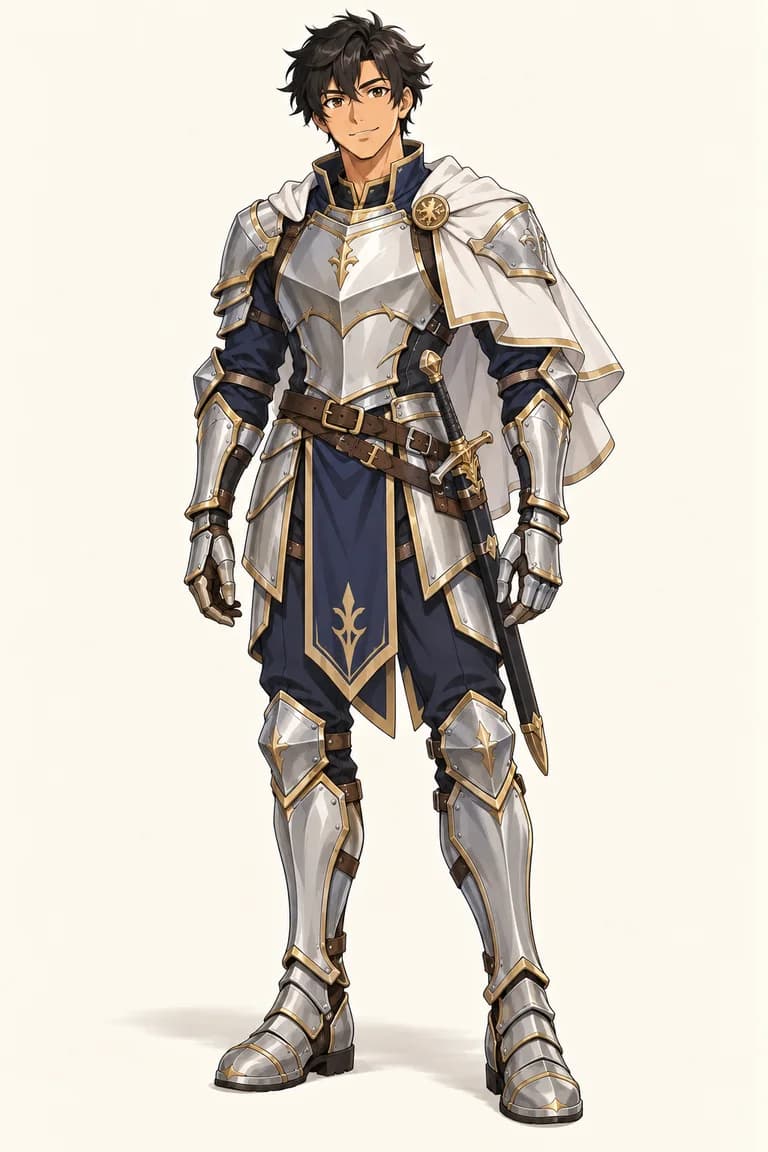
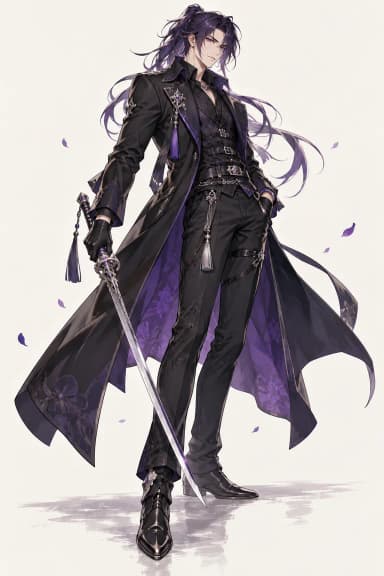
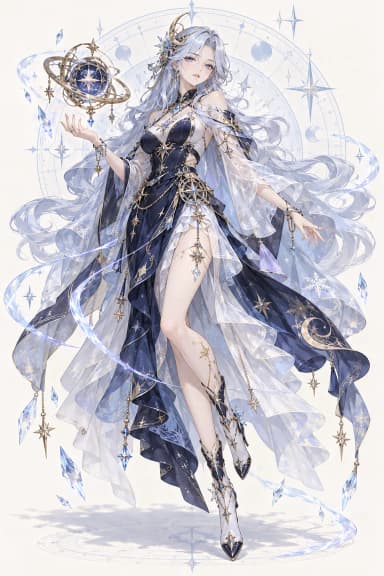
Illustrative AI examples. Selecting one starts a new prompt and replaces the current reference.
See how one OC maker prompt can become a complete original character, then change the details to explore another direction.
Your prompt
“An original pirate navigator with windswept orange hair, a teal sailing jacket, and a brass compass. Confident smile, full-body anime illustration.”
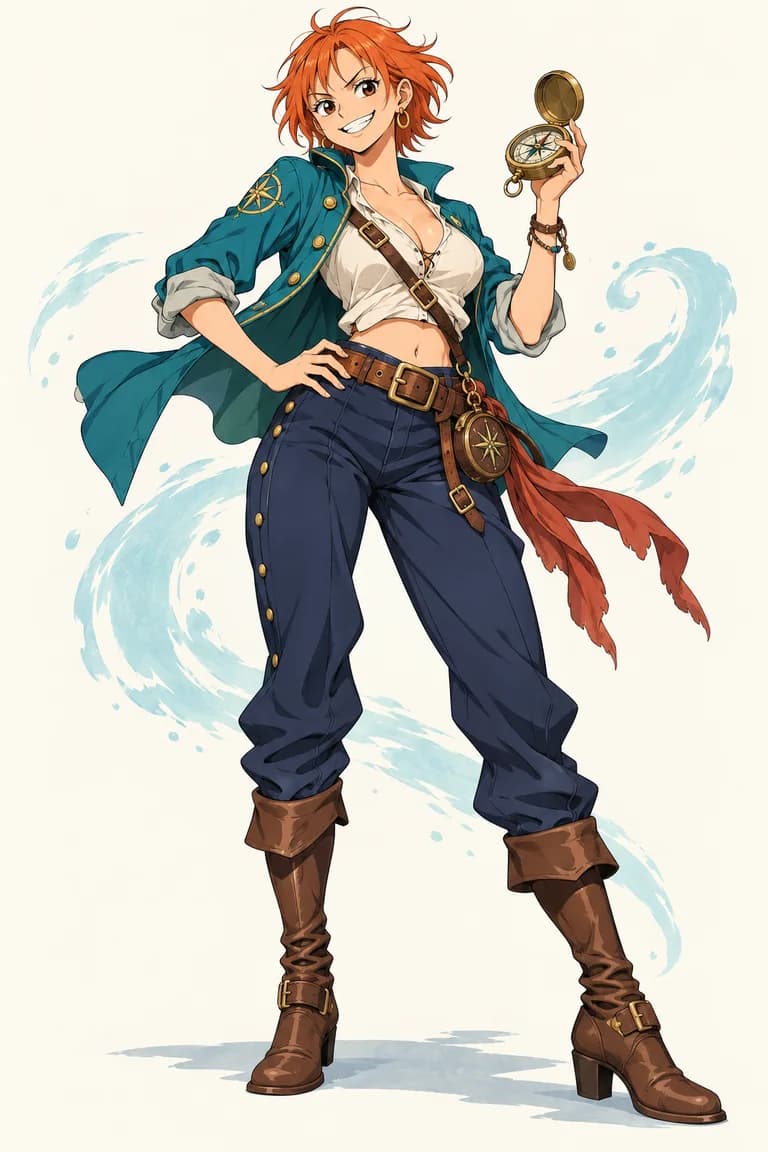
An AI OC maker is a character creation tool that turns written details and an optional reference image into an original character illustration. Describe who the character is, what they wear, how they feel, and the world around them.
Orichar works as an OC creator and visual OC generator in one focused workspace. Describe the idea, choose the image settings, review the result, and create another interpretation when the story changes.
Made for your imagination
Describe the character’s appearance, personality, clothing, mood, composition, and visual style. A few thoughtful details give the OC maker a clearer creative direction.
Add an image you are allowed to use when words are not enough. Choose an aspect ratio and image size that suit your character portrait or scene.
Your character history stays in your account instead of a public gallery. Revisit a result, download it, or reuse its prompt to explore another direction.
Use the OC maker to create an original character, then explore a different pose or outfit while keeping the idea moving.
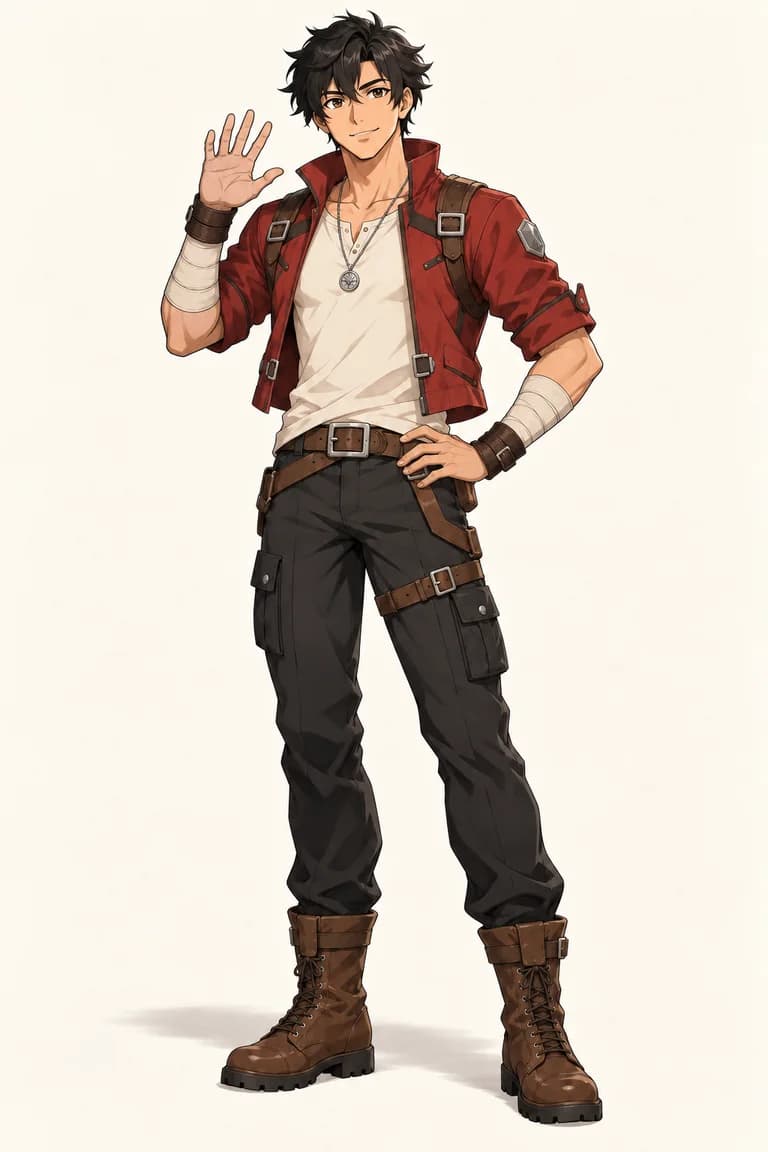
Change a pose
Upload your character and describe their next move.
“Give him a confident wave. Keep his outfit and appearance.”Change a pose
AI-edited concept examples. Results vary with your image and instructions.
Add the details that make the character recognizable: expression, hair, outfit, role, setting, and preferred art direction.
Add an optional reference image, select an aspect ratio and image size, then continue to Creation and review the credit cost.
Generate your character, download the result, or reuse the settings and revise the prompt. Each generation is a separate request.
Use the character maker online to explore a visual direction before developing the idea further in your own creative process.
Visualize a cast member’s appearance, costume, and mood before writing the next scene.
Explore silhouettes and visual directions, then redraw, paint, or develop the original character in your own process.
Make an OC for a campaign, from a fantasy traveler or mysterious mage to a science-fiction pilot.
Explore an original character concept for a project, then check project-specific rights and production requirements before use.
You can write a prompt and choose your settings before signing in. Generation requires a verified account. Your draft, including its reference image, is kept in this browser tab through the login step.
Yes. Upload a PNG, JPEG, or WebP image up to 10 MB. Use your prompt to explain the character and details you want to create.
No. Your character history is private to your account, with service administrators able to review generation records for support. You decide which images to download and share.
Creation shows the credit cost before you generate. 1K costs 4 credits and 2K costs 8 credits. Successful generations use credits; confirmed technical failures return only eligible, unexpired reserved credits. Expired purchased or subscription credits cannot be restored. See the guide for the full credit rules.
Yes. Ask for a full-body character in the prompt and choose a portrait-oriented aspect ratio. Describe the outfit, footwear, pose, and framing clearly because results depend on your instructions and reference image.
The AI OC maker can explore anime, realistic, fantasy, stylized 3D, pixel-art, and other illustrated character directions. Choose a style example or describe the visual treatment in your own words.